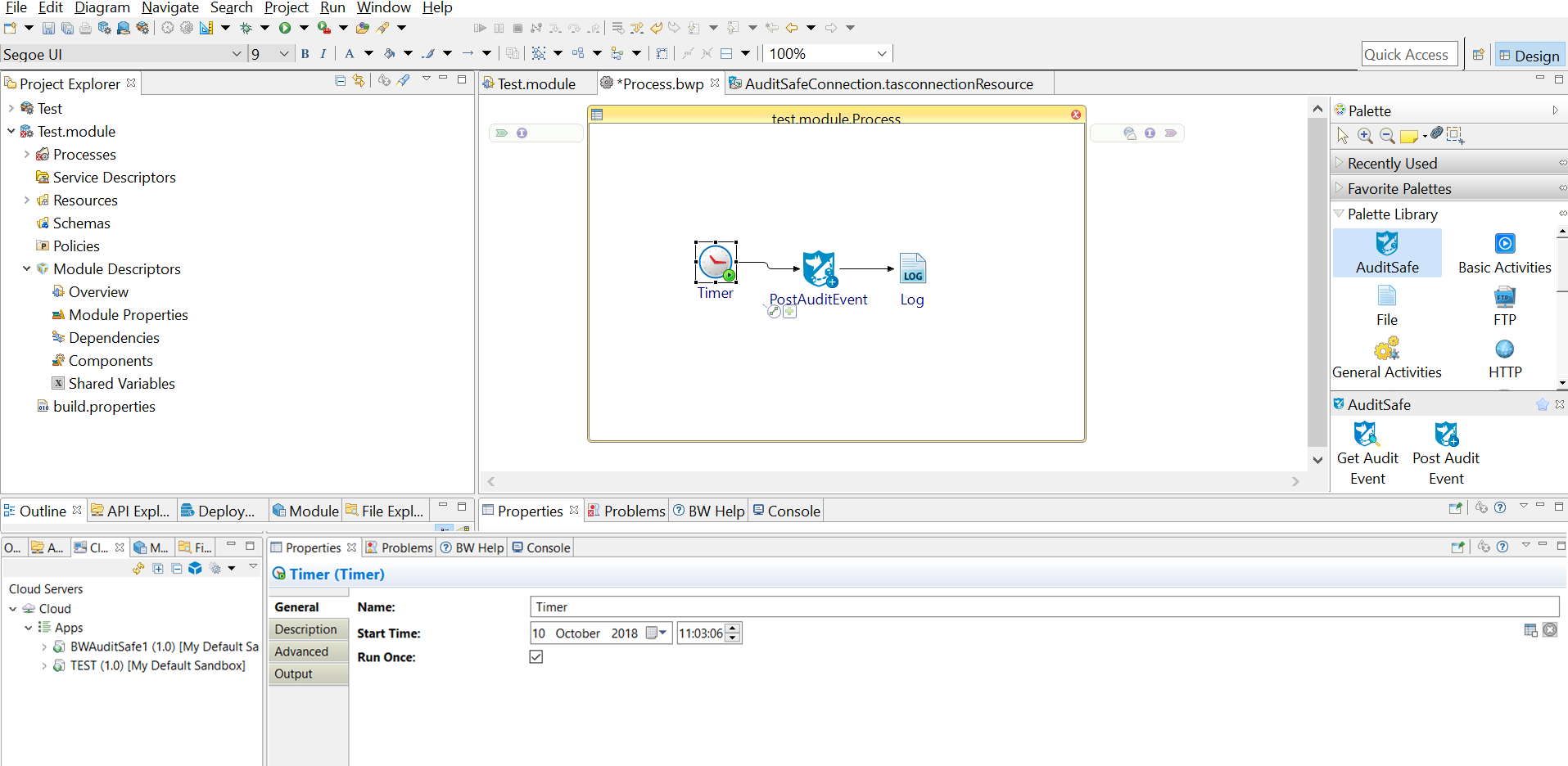
Processes define the business logic. Once a project is created, you can see an empty process created automatically. You must configure the process by adding activities, conditions, and services to the empty process to complete a task.
Procedure
Select an activity from the Palette view and drop it in the Process editor.
For example, select and drop the
Timer activity and
Log
activity from the
General Activities palette and the
Post Audit Event activity from the
AuditSafe palette.
Click
to create links between the activities and configure the condition types.
Note: TIBCO Cloud AuditSafe shared resource is required when configuring the activities. See
Creating a TIBCO Cloud AuditSafe Shared Resource Connection for more details on how to create the TIBCO Cloud AuditSafe shared resource connection.

 to create links between the activities and configure the condition types.