Creating a TIBCO AuditSafe Shared Resource Connection
Perform the following steps to create a TIBCO AuditSafe connection:
Procedure
In the Project Explorer view, expand the created project folder
projectname.module.
Right-click the
Resources folder and select
New > AuditSafe Connection.
In the
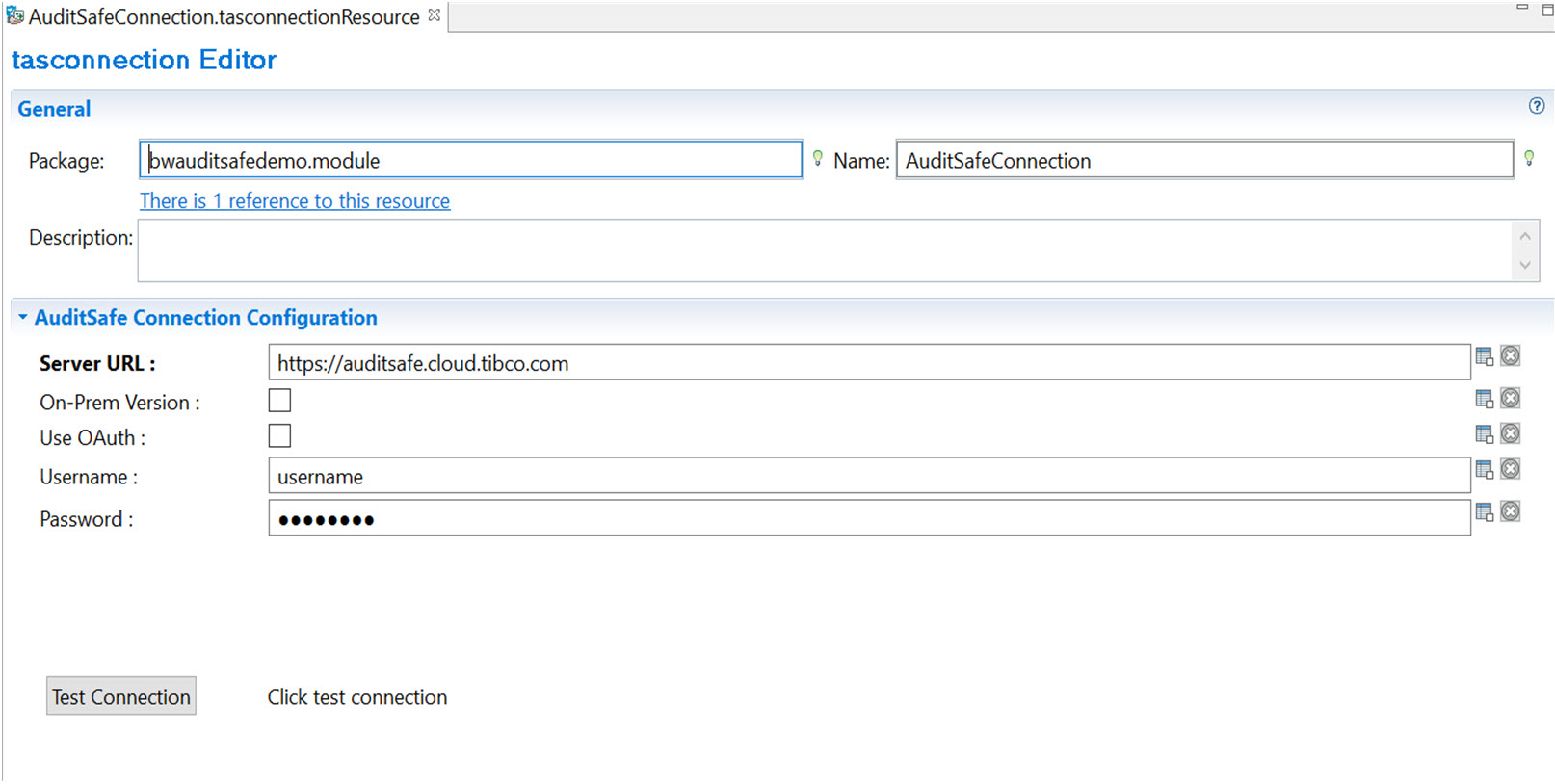
tasconnection dialog box, you can see a default name of the resource connection in the
Resource Name field. Click
Finish to open the
tasconnection Editor.
In the
AuditSafe Connection Configuration tab, configure the TIBCO AuditSafe shared resource connection. For more information, see
TIBCO AuditSafe Shared Resource Connection.
Click
Test Connection to validate the connection.
If your account is associated with multiple organizations, then after clicking
Test Connection, you can select a desired organization from the
Account Information pop-up menu.
After the test connection is successful, click OK.