Configuring a Process
A newly created project contains an empty process. Configure the process by adding activities, conditions, and services to complete a task.
Before you begin
- Ensure that an empty process is created when creating a project. See Creating a Project for details.
- Ensure that you have established an BigQuery connection. See Creating the BigQuery Connection Resource for details.
- Procedure
- In the Project Explorer view, click the created project and open the empty process from the Processes folder.
- Select an activity from the Palette view and drag it to the Process editor.
For example, select and drop the Timer activity from the General Activities palette.
- Click
 and drag to create the new activity. In this manner, create links between the activities and configure the condition types.
Note: You must add a starter activity before adding a Google BigQuery activity.
and drag to create the new activity. In this manner, create links between the activities and configure the condition types.
Note: You must add a starter activity before adding a Google BigQuery activity.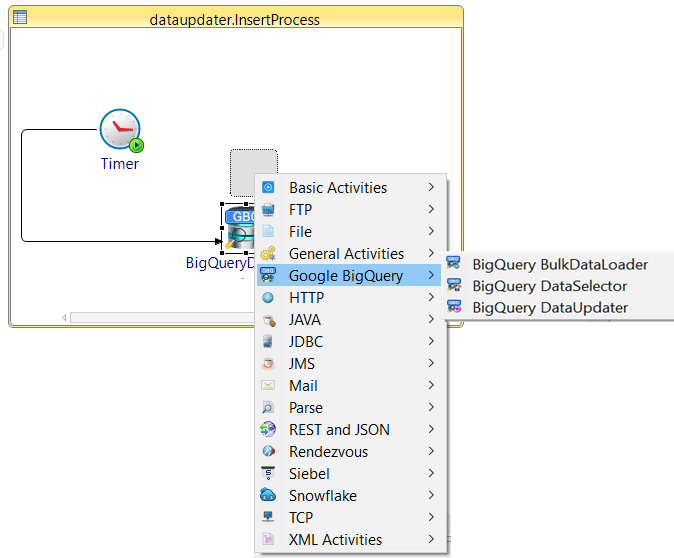
- Configure the Google BigQuery activity added fromGoogle BigQuery Palette.
Note: A BigQuery Connection shared resource is required when configuring the activities. For details on creating the BigQuery Connection shared resource, see Creating the BigQuery Connection Resource.
- Save the project.