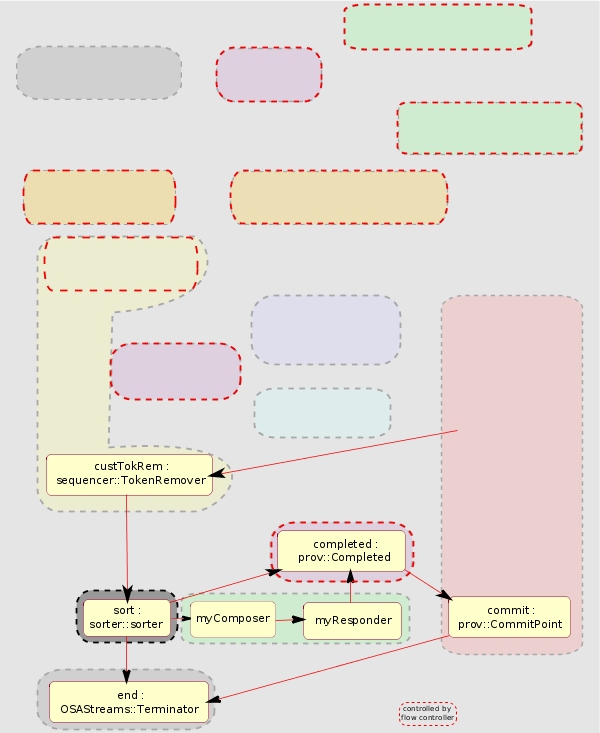
Sorting Service Orders If your provisioning flow accepts service orders from different sources, you can use a Sorter module to split processing depending on how service orders enter the flow. Figure 25. Sorter Sorter The Sorter module sends service orders to different ports depending on how the service orders enter the provisioning flow. This enables you to split your processing downstream of a Sorter module. For example, to respond to a service management application or archive service orders injected through a directory scanner. The sortToken attribute of the message should be set to the output port name using ::OSAStreams::Message Type sorter::Sorter For more details about this module, refer to the component documentation.