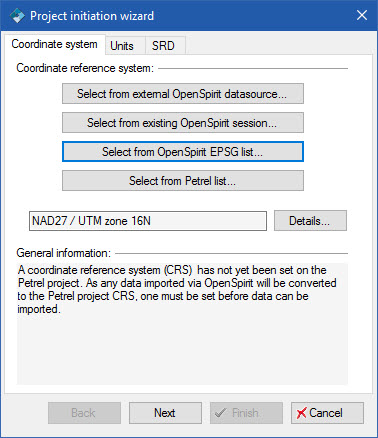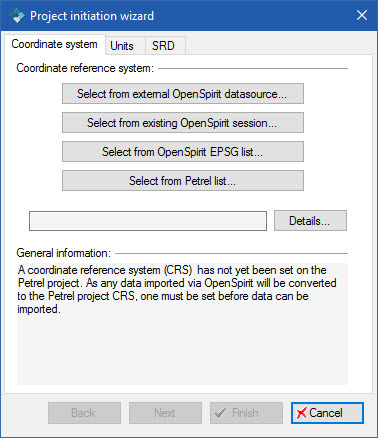
The Project Initiation wizard forces you to choose a coordinate reference system (CRS) to use for the Petrel project. As shown in the Project Initiation wizard, you have four different methods of selecting the CRS. A CRS must be set before importing or exporting data via OpenSpirit as OpenSpirit automatically does any required coordinate transformations and must know the CRS of the Petrel project.
In this option you select an existing external project (e.g. an OpenWorks , GeoFrame, Kingdom, etc... project) and then OpenSpirit will connect to this project and read its CRS details.. This CRS will then be used as the Petrel project CRS. This option allows you to use any standard predefined or custom CRS that may be defined in the external project.
Notes:
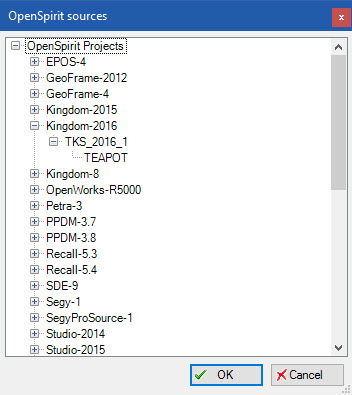
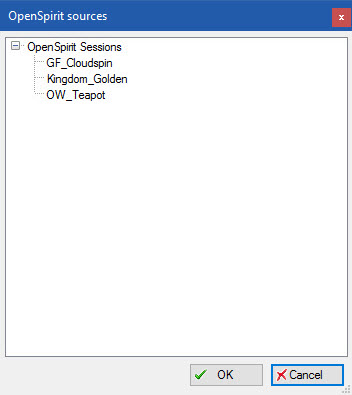
In this option you select an existing OpenSpirit session that has a preferred CRS already set on it. The OpenSpirit Session CRS is, in turn, obtained from a selected external project (e.g. OpenWorks, GeoFrame, Kingdom , etc...) that was chosen in the OpenSpirit session wizard.
In this option you select a predefined EPSG CRS from the OpenSpirit catalog that is referenced by your OpenSpirit installation.
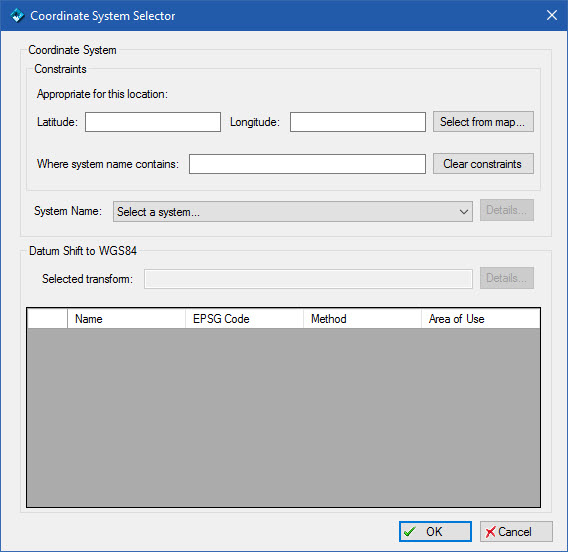
To select a CRS and an associated preferred datum shift you should follow these steps.
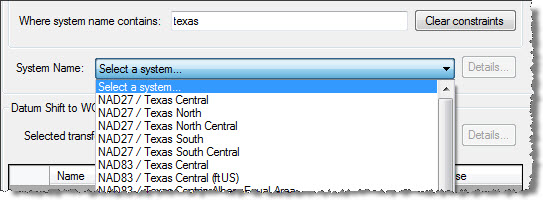
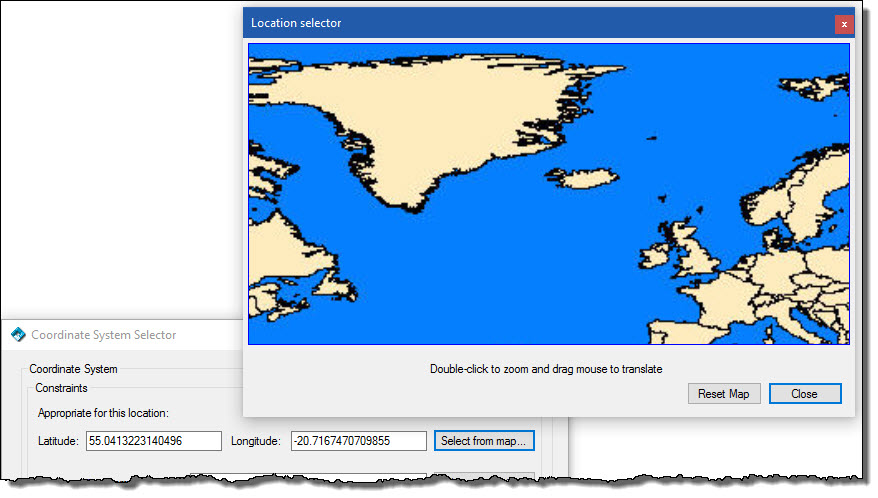
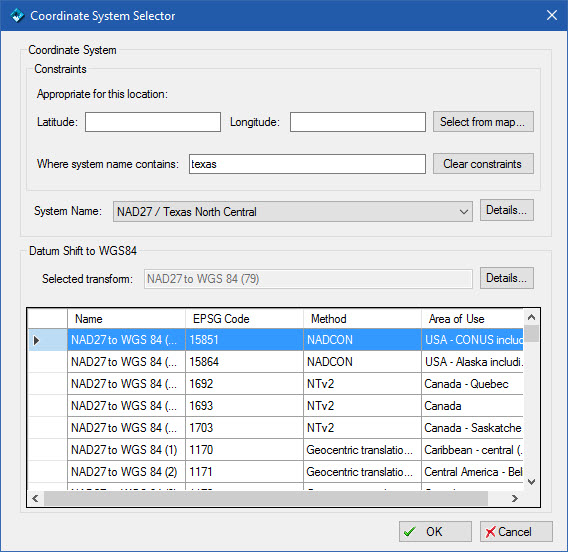
 You can uncheck the Require transform
to WGS84 option on the OpenSpirit
General settings tab if you do not want to select a datum shift to
WGS84. However, this may prevent you from exchanging GIS events or performing
data imports and exports of spatial data if a datum shift is required.
You can uncheck the Require transform
to WGS84 option on the OpenSpirit
General settings tab if you do not want to select a datum shift to
WGS84. However, this may prevent you from exchanging GIS events or performing
data imports and exports of spatial data if a datum shift is required.
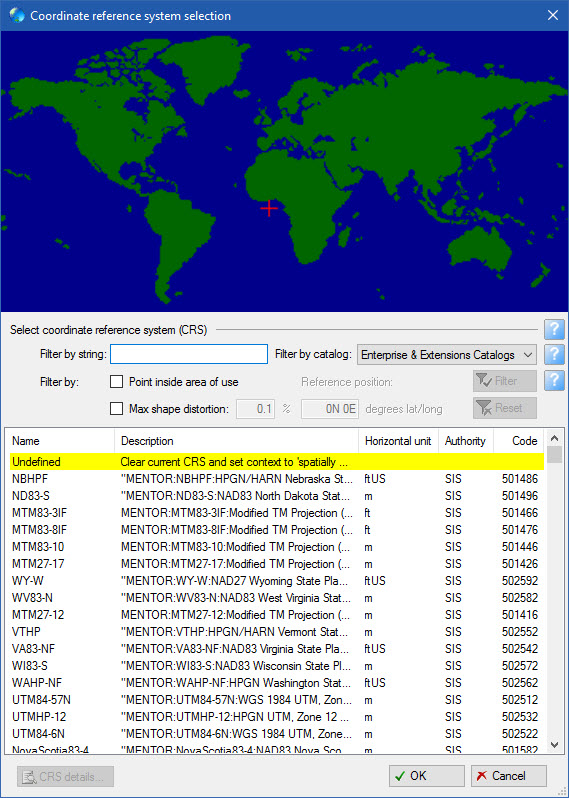
This option brings up the normal Petrel coordinate system selection dialog. Choose a CRS from this list.
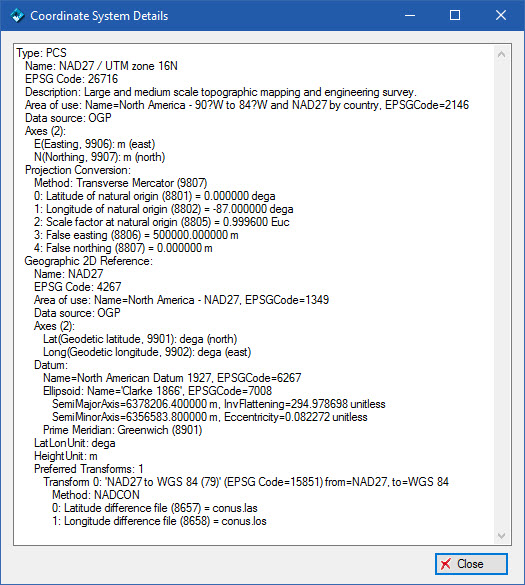
Regardless of which method was used to select a CRS you will see the choice reflected in the Project initiation wizard and have one last chance to inspect its details before advancing to the next step in the wizard by clicking the Next button.