
Replacing the Banner in TIBCO Spotfire
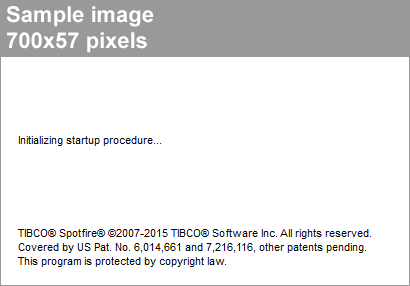
You can replace the banner in the startup splash screen, login screen and the about dialog. This is the banner.png file in the template XML file.
Prerequisites
Procedure
- Open the cobranding.config XML file in an XML editor or text editor.
- Locate the section <logoBanner>banner.png</logoBanner>
- Make sure that the image you want to use as a banner is 700x57 pixels. If the height exceeds 57 pixels, the image will be cropped.
- Make sure that the image you want to use as a banner is a .png image.
- Make sure that the name in the <logoBanner> section matches the name of the image you want to use as a banner.
- Add the image to the local folder where the cobranding.config XML file is located.
Copyright © Cloud Software Group, Inc. All Rights Reserved.