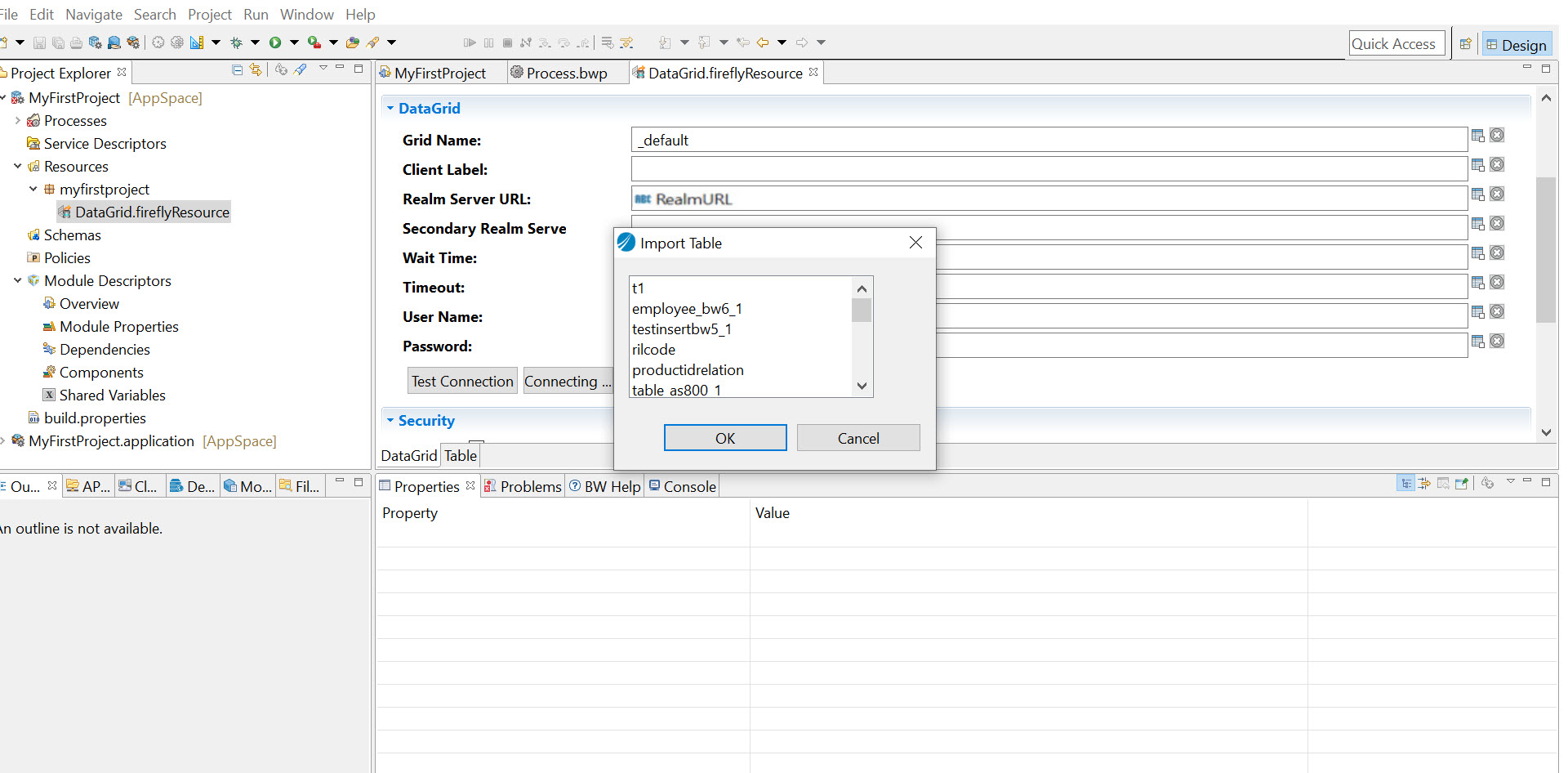
Importing a Table
After creating a DataGrid connection, you can import a table from an existing DataGrid if you have already added a table.
A Table shared resource represents a table. To use the ActiveSpaces DataGrid activities, you must create a DataGrid connection and then you can import a table from the DataGrid.
Before you begin You must create a DataGrid connection as described in Creating a DataGrid Connection and add a table as described in Adding a Table . Also, ensure that the ActiveSpaces RealmServer is started and the DataGrid shared resource connection is tested.
- Procedure
- Select the DataGrid you created.
- In the DataGrid Editor, click
Import Table.
The Import Table dialog box opens.
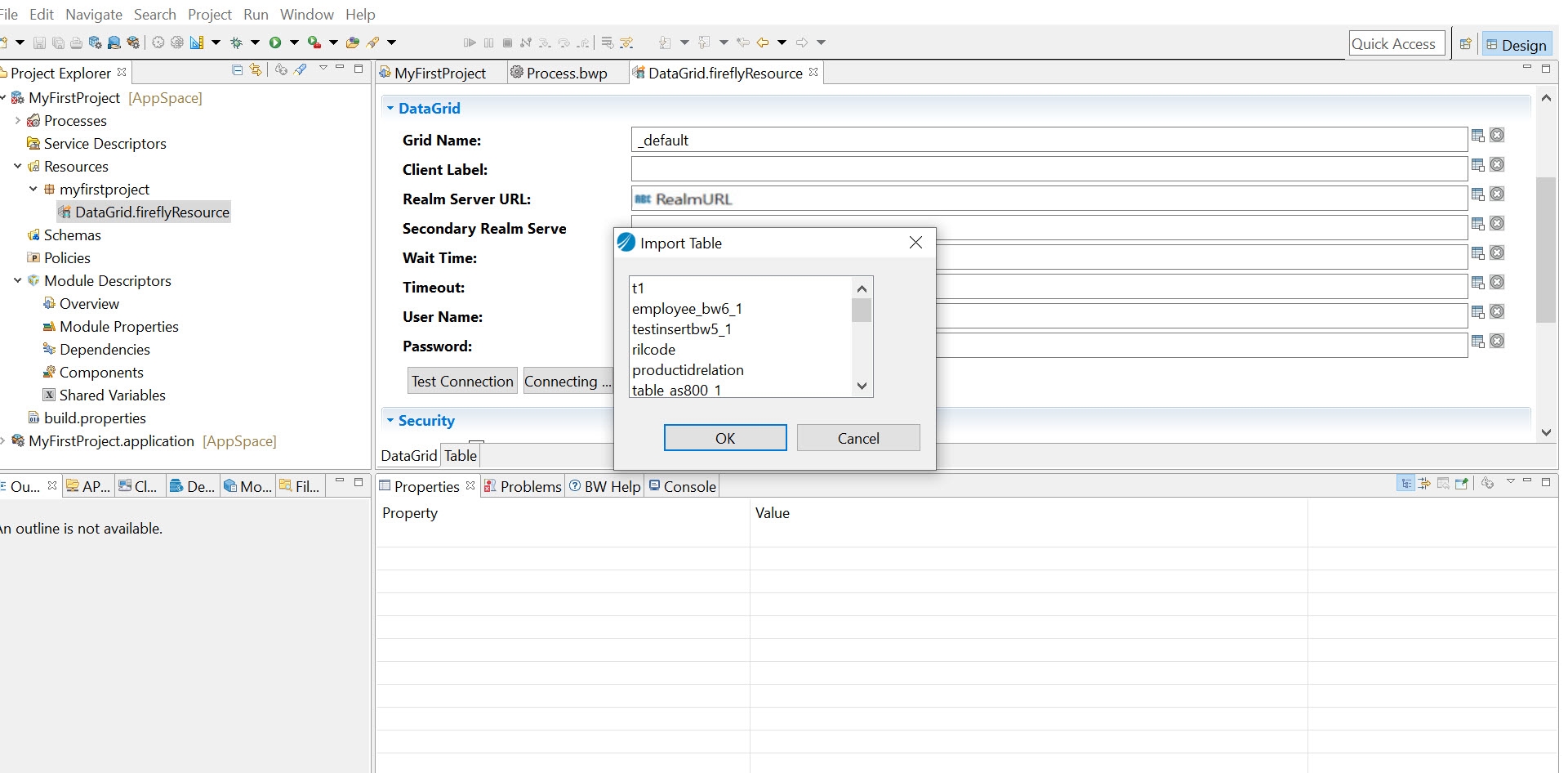
- Select the table that you want to import.
- Click
OK.
The table is imported to the DataGrid in your project.Note: You cannot edit the details for an existing table that you import to the DataGrid shared resource.