Search Documents Page
This page lets you find documents that match criteria that you select.
Filter so that it does not return too many documents. By default, there is a limit of 100 documents; however, your Transaction Insight administrator might opt to customize this value from 10 to 1000 documents.
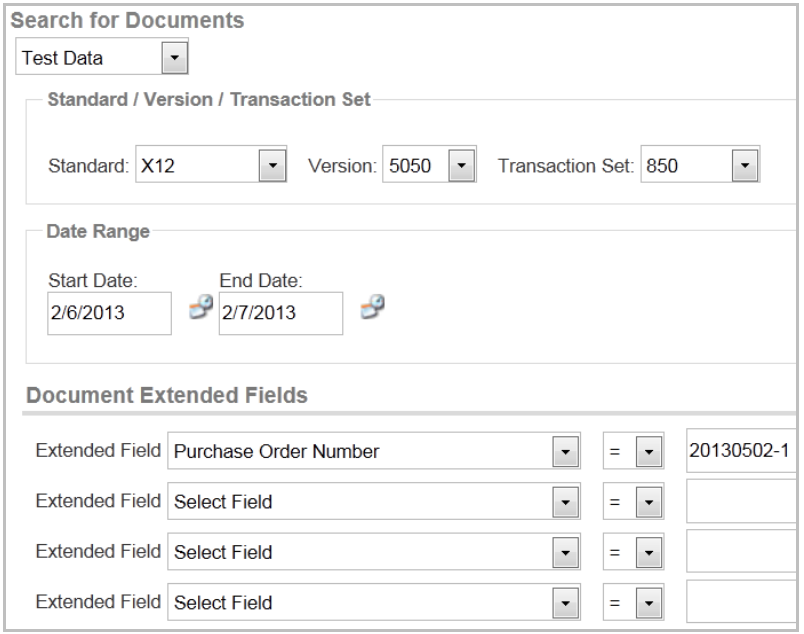
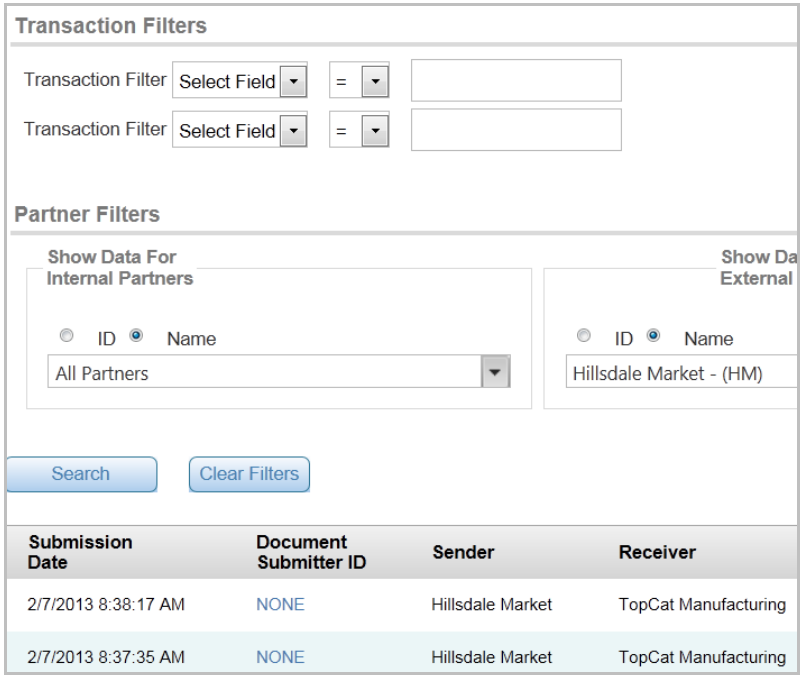
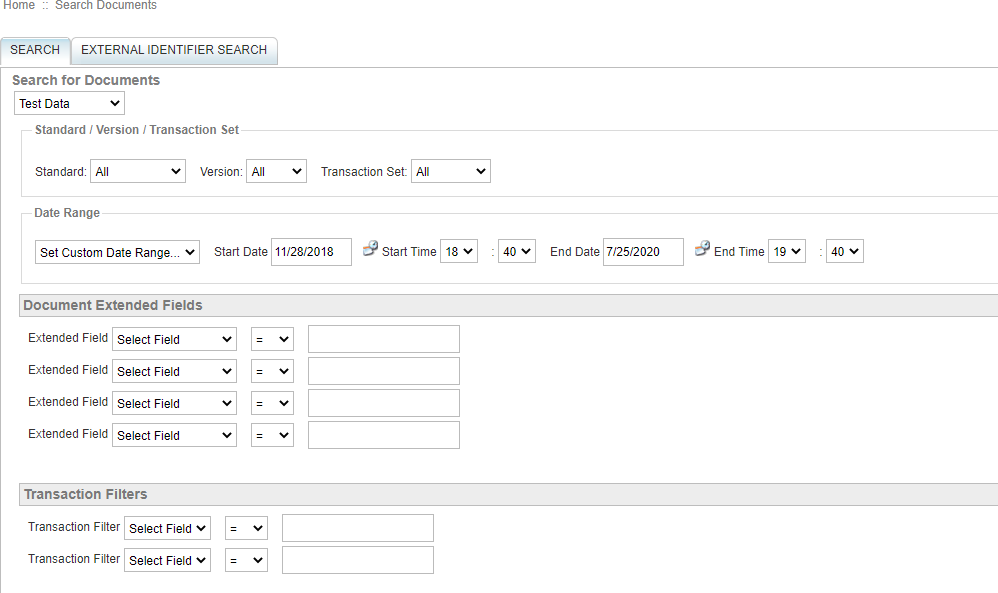
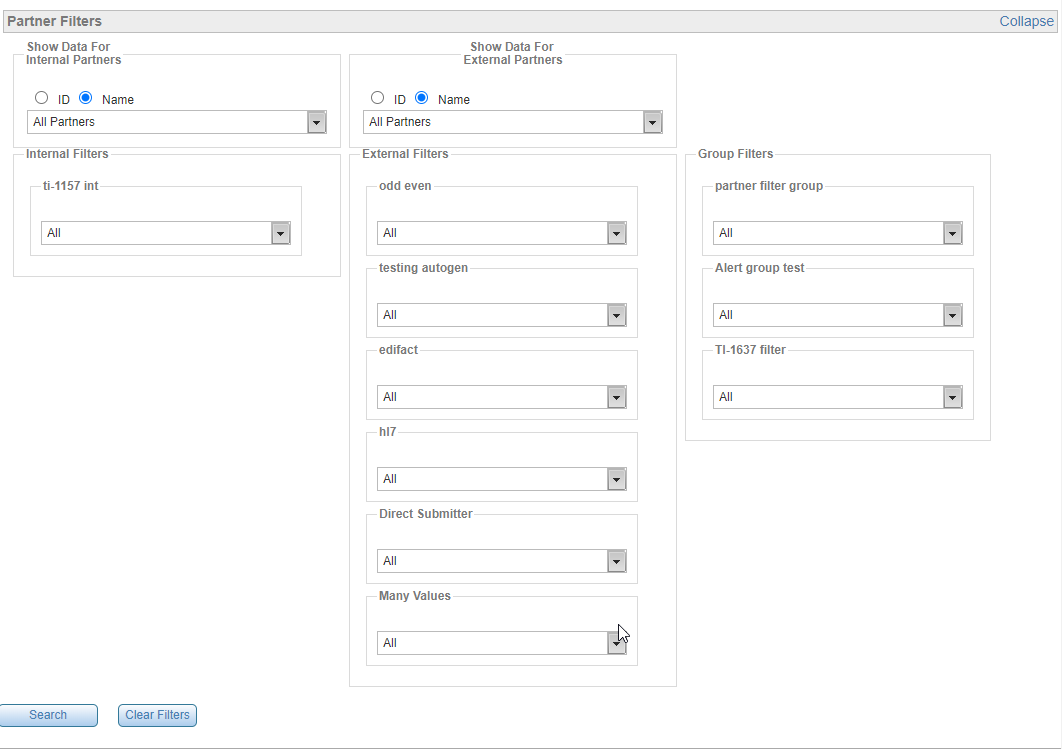
To conduct a search:
-
Choose Search > Documents on the top menu.
-
Select as many filter values as you can.
-
Adjust the search date and range as desired, using the smallest possible date range for performance purposes. See Using Search Time Control.
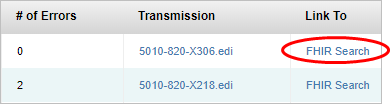
Link to FHIR Search
Click this link to see FHIR Search information for the document, if available. For details, refer FHIR Search Area.
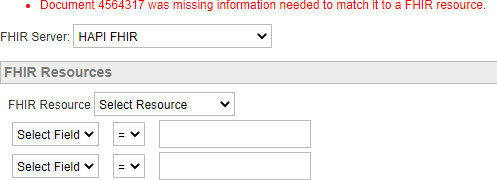
If there is no available information, an error is displayed.
External Identifier Search
Your Search Documents page might have a tab like this, which lets you search for Transaction Insight documents with an ID code that your company has assigned it:
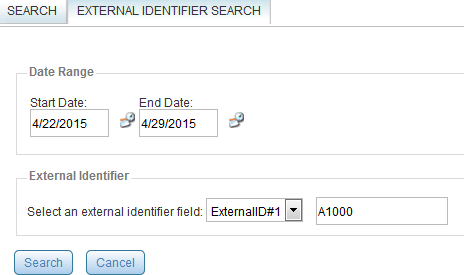
If so, choose the field and type a value to see one or more documents with that ID. This is customized for your company. Contact your administrator for details.