
Replacing the Product Name in TIBCO Spotfire
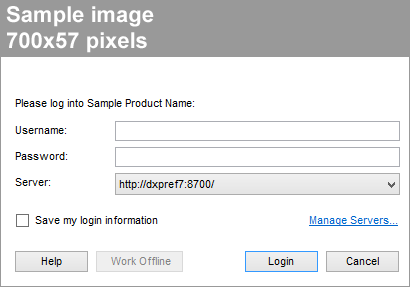
You can replace the product name in the login screen and window titles of TIBCO Spotfire.
Prerequisites
Procedure
- Open the cobranding.config XML file in an XML editor or text editor.
- Locate the section <productName>Sample Product Name</productName>
- Replace "Sample Product Name" with the product name you want to use in the cobranded version of TIBCO Spotfire. If the product name exceeds the available space in the login dialog, the product name will be trimmed.
Copyright © Cloud Software Group, Inc. All Rights Reserved.