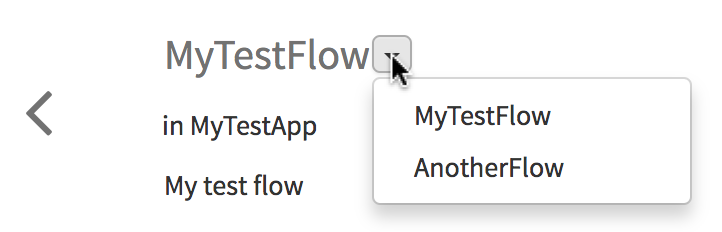
JavaScript must be enabled in order to use this site.Please enable JavaScript in your browser and refresh the page. Switching Between Flows in an App If an app has multiple flows, you can switch between the flows. To switch between flows within an app, click the down arrow to the right of the flow name and select the flow page you want to open from the drop down list. Related concepts Using Subflows Related tasks Reverting Changes to a Flow Editing a Flow Creating a Flow Execution Branch Creating Multiple Flows Creating a Flow Deleting a Flow Configuring the Error Handler Adding an Activity Configuring an Activity Using the Iterator in an Activity Deleting an Activity Copyright © Cloud Software Group, Inc. All rights reserved.