
Creating a Flow
Every app has at least one flow. Use the Create a Flow button on the app page to create a flow in an app.
Prerequisites
Procedure
-
Optionally, enter a brief description of what the flow does in the
Description text box and click
Next.
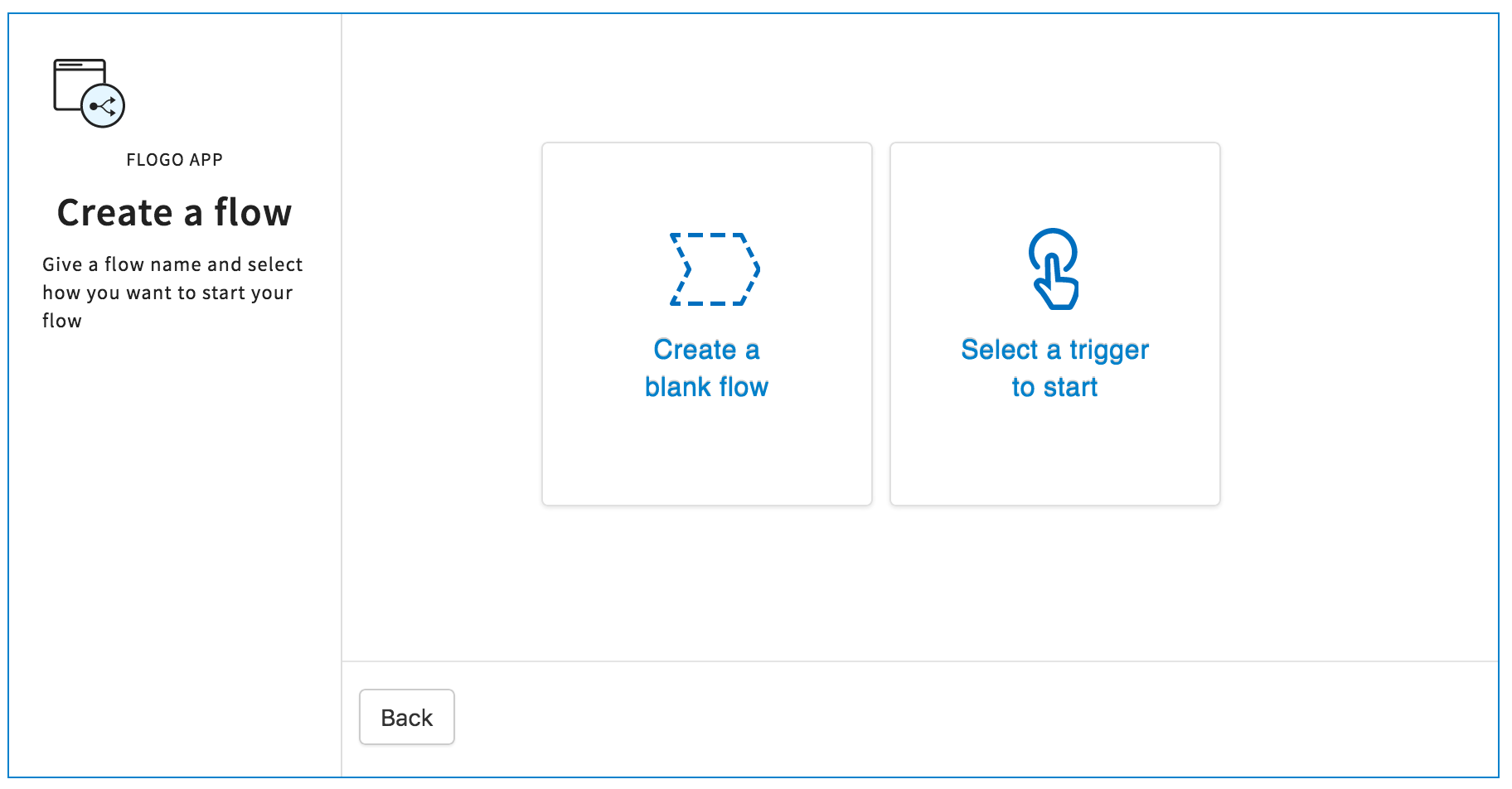
You will be prompted to select one of the following options:
- Create a blank flow - A blank flow is a flow that does not have any triggers attached to it. You have the option to attach one or more triggers at any later time after the flow has been created. Select this option if you know the algorithm for the flow, but do not yet know the circumstances that will cause the flow to execute. Even though you do not need to define the trigger upfront, you will be required to enter the input and output to the flow when creating the flow. This will allow you to create a contract between the trigger and the flow when you create the trigger. You build the contract by mapping the output of the trigger to the input to the flow. This contract serves as a bridge between the trigger and the flow. Refer to Creating a Blank Flow without a Trigger
- Select a trigger to start - If you know the circumstances under which the flow will execute, you can create and configure the trigger upfront when creating the flow. Refer to Creating a Flow with a Trigger.
Related concepts
Copyright © Cloud Software Group, Inc. All rights reserved.